

XML technologies / CSS / CSS Cookbook / General principles
(Excerpt from “CSS Kochbuch” by Christopher Schmitt)
Introduction
Using Cascading Style Sheets (CSS), you can easily apply style definitions to your web pages. CSS may seem difficult at first, so this chapter shows how simple it really is. Its recipes give you the basics for a quick start. Just write a few lines of HTML, add a little CSS, and the results are immediately visible.
Our first exercise begins with the traditional “Hallo Welt!” example. First open a text editor or your preferred web page editing program and enter the following:
<html>
  <head>
    <title>CSS Kochbuch</title>
  <head>
  <body>
    <p>Hallo Welt!</p>
  </body>
</html>
Save the file and view it in your web browser. As the following figure shows, the displayed line has no special features yet.
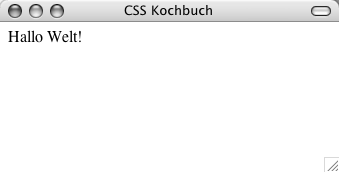
Figure: Default appearance of an HTML page without CSS.
To change the HTML text’s style to a sans-serif font, simply add a little CSS (see the following figure):
<p style="font-family: sans-serif;">Hallo Welt!</p>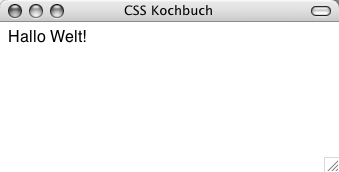
Figure: CSS now displays the text in a sans-serif font.
The following code increases the font size (font-size) to 150% without changing the font style itself, as shown in the following figure:
<p style="font-size: 150%">Hallo Welt!</p>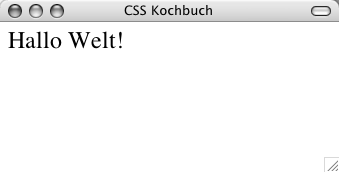
Figure: The text is enlarged.
This chapter covers selectors and properties, sensible stylesheet structure and element positioning. These simple recipes prepare you for the more elaborate recipes in later chapters.
Copyright of the German edition © 2007 by O’Reilly Verlag GmbH & Co. KG
You may print the online version for your private use.
Otherwise, this chapter from “CSS Kochbuch” is subject to the same conditions as the bound edition: the work, including all its parts, is protected by copyright. All rights reserved, including reproduction, translation, microfilming, and storage and processing in electronic systems.
O’Reilly Verlag GmbH & Co. KG, Balthasarstr. 81, 50670 Köln