

XML technologies / CSS / CSS Cookbook / General principles / CSS with Microsoft Expression Web Designer
(Excerpt from “CSS Kochbuch” by Christopher Schmitt)
Problem
You use Microsoft Expression Web Designer to create web pages and want to use its CSS features too.
Solution
Like Dreamweaver, Microsoft Expression Web Designer can attach external stylesheets, create CSS files and insert style definitions, as the following three figures show.
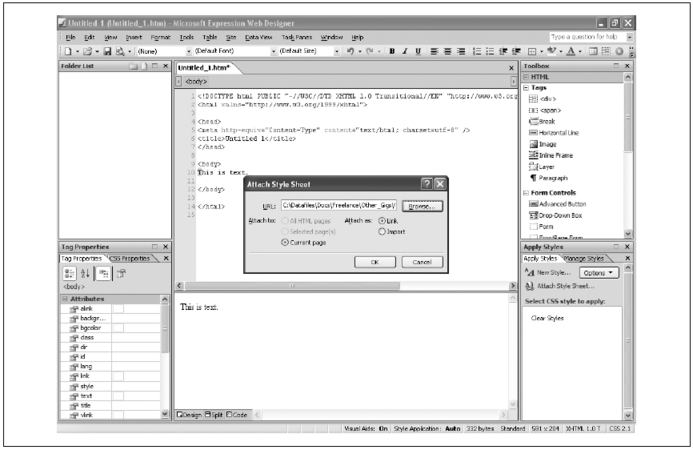
Figure: Use the Apply Styles tab in Microsoft Expression Web Designer to attach an external stylesheet.
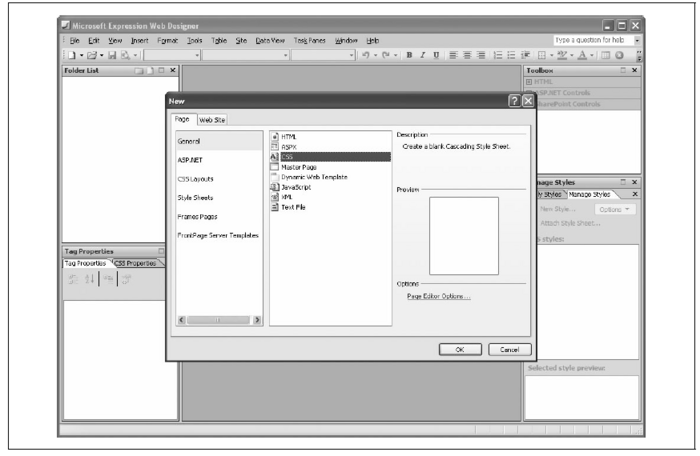
Figure: Creating a CSS file in Microsoft Expression Web Designer.
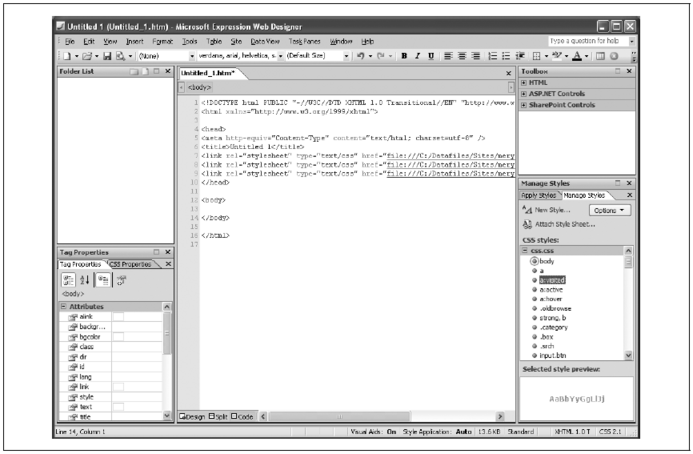
Figure: Managing styles in Microsoft Expression Web Designer through the Manage Styles tab.
Here are several ways to add CSS to your pages:
To attach an external stylesheet to any page, open the tab
APPLY STYLEand clickATTACH STYLE SHEET.Click the icon
NEW DOCUMENTand then CSS to create an empty CSS document.Edit your web page like a Word document. Expression Web Designer automatically adds new style definitions to an internal stylesheet.
Enter style definitions through code view.
Discussion
Expression Web Designer has made great strides in CSS support compared with its predecessor, FrontPage. After defining page styles, you can view the current styles in the tab MANAGE STYLES. You can also switch between internal and external stylesheets there.
When you use the toolbar FORMATTING to style HTML content, the program automatically inserts inline style definitions into the document. Font and color instructions added this way are no longer defined in tags font as shown below, but are stored in an internal stylesheet:
<font face="georgia, times new roman, serif" color="#ff0000" size="2">This is text.</font>Changes in FrontPage often duplicated code, as shown here:
<font face="georgia, times new roman, serif" color="#ff0000" size="2"><font face="times new roman, serif">This is text.</font></font>This quickly bloated pages unnecessarily, and they rarely rendered correctly in browsers other than Internet Explorer. The following figure shows that Expression Web Designer no longer has these problems.
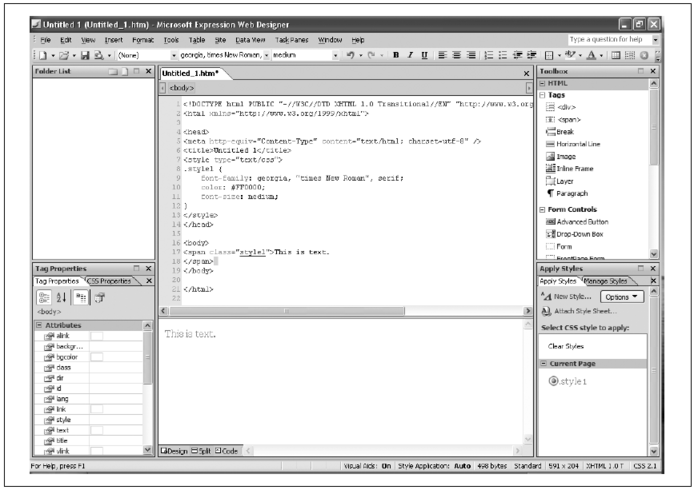
Figure: When text is styled in Expression Web Designer, the program stores the definitions in an internal stylesheet.
Copyright of the German edition © 2007 by O’Reilly Verlag GmbH & Co. KG
You may print the online version for your private use.
Otherwise, this chapter from “CSS Kochbuch” is subject to the same conditions as the bound edition: the work, including all its parts, is protected by copyright. All rights reserved, including reproduction, translation, microfilming, and storage and processing in electronic systems.
O’Reilly Verlag GmbH & Co. KG, Balthasarstr. 81, 50670 Köln