

XML technologies / CSS / CSS Cookbook / Page elements / Customizing a horizontal rule
(Excerpt from “CSS Kochbuch” by Christopher Schmitt)
Problem
Change the horizontal rule in the next figure into something more interesting, such as the small centered rectangle in the figure after it.
Solution
Use the CSS selector hr and combine CSS properties to achieve the desired effect:
hr {
 margin-left: auto;
 margin-right: auto;
 margin-top: 1.25em;
 margin-bottom: 1.25em;
 width: 10px;
 height: 10px;
 background-color: #777;
}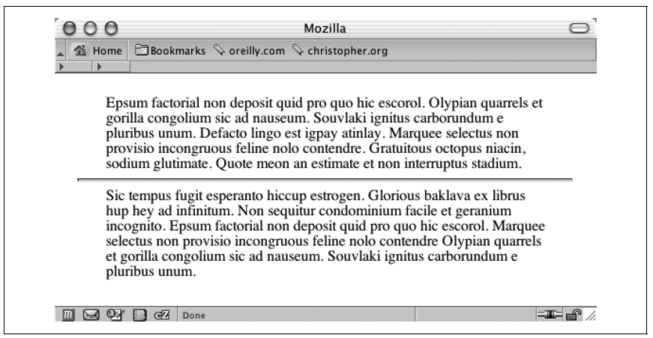
Figure: Default appearance of a horizontal rule.
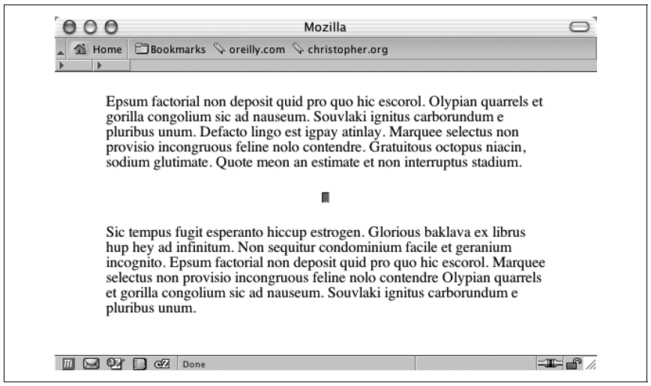
Figure: A styled horizontal rule.
Discussion
Before HTML 4.0, horizontal rule appearance could be controlled with four attributes: align, width, size and noshade. However, HTML’s purpose is to structure documents rather than control their presentation, so these values are no longer part of the HTML specification. (Browser vendors are no longer advised to support them, so you should not rely on them.) CSS gives you much greater control over horizontal rule appearance.
For example, CSS lets you specify a height (height) and width (width) for the rule:
hr {
 width: 80%;
 height: 3px;
 margin-left: auto;
 margin-right: auto;
}
Setting the properties margin-left and margin-right to auto centers the rule in Safari. These settings are unnecessary for Mozilla-family browsers (Mozilla, Firefox, Netscape, Camino, etc.) and Internet Explorer for Windows.
The following code also gives an element hr a color (see the next figure):
hr {
 color: green;
 background-color: green;
 width: 80%;
 height: 3px;
 margin-left: auto;
 margin-right: auto;
}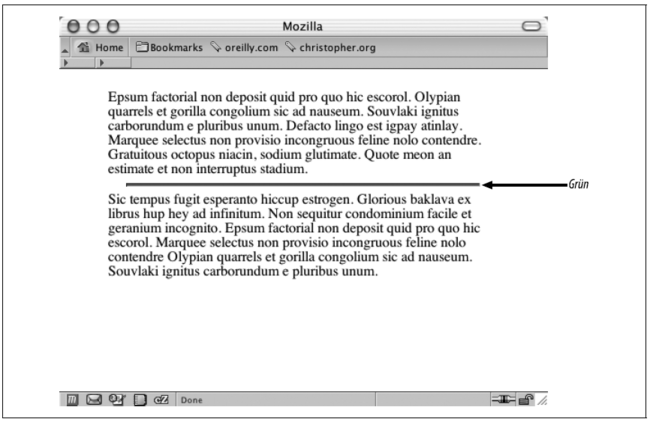
Figure: A green, centered horizontal rule.
The property color is understood by Internet Explorer for Windows, whereas Safari, Mozilla, Firefox and Netscape Navigator 6+ use the second property, background-color. The two groups of browsers render the rule slightly differently.
To use an image instead of a simple rule, use the property background-image:
hr {
 background-image: url(hr-decoration.gif);
 background-repeat: no-repeat;
 border: none;
 width: 76px;
 height: 25px;
 margin-left: auto;
 margin-right: auto;
}
Note that Internet Explorer for Windows surrounds the element hr with a border that CSS cannot remove, as shown in the next figure.
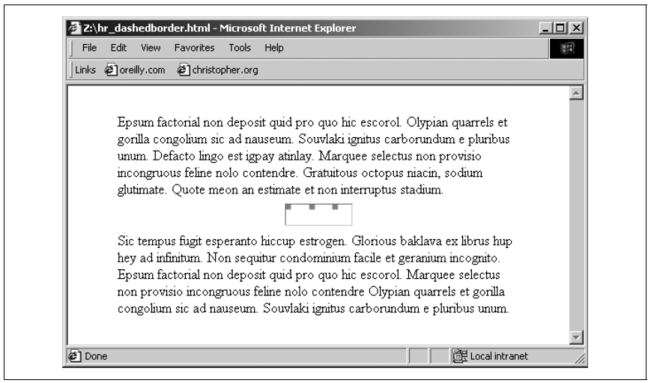
Figure: A border around a horizontal rule in Internet Explorer for Windows.
See also
The HTML 4.01 specification for elements hr and an overview of possible styles for hr elements.
Copyright of the German edition © 2007 by O’Reilly Verlag GmbH & Co. KG
You may print the online version for your private use.
Otherwise, this chapter from “CSS Kochbuch” is subject to the same conditions as the bound edition: the work, including all its parts, is protected by copyright. All rights reserved, including reproduction, translation, microfilming, and storage and processing in electronic systems.
O’Reilly Verlag GmbH & Co. KG, Balthasarstr. 81, 50670 Köln