

XML technologies / CSS / CSS Cookbook / Typography for the web / Images as initial capitals
(Excerpt from “CSS Kochbuch” by Christopher Schmitt)
Problem
Use an image for the initial capital.
Solution
Wrap the first letter of the first sentence of a paragraph in an element span:
<p><span class="initcap">O</span>nline, activity of exchanging ideas is sped up. The distribution of messages from the selling of propaganda to the giving away of disinformation takes place at a blindingly fast pace thanks to the state of technology …</p>Specify that the content of the element span should not be displayed:
span.initcap {
 display: none;
}
Finally, specify an image to be displayed in the paragraph’s background (see the following figure):
p {
 line-height: 1em;
 background-image: url(initcap-o.gif);
 background-repeat: no-repeat;
 text-indent: 35px;
 padding-top: 45px;
}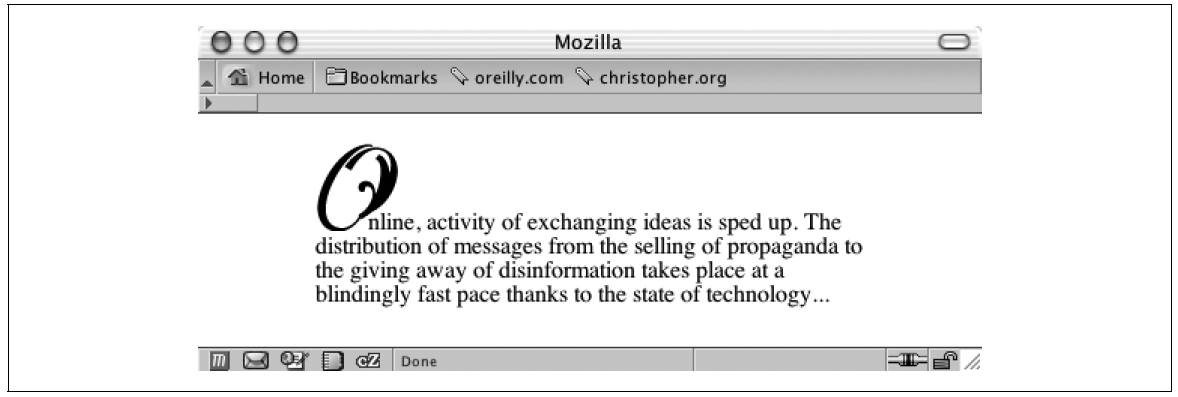
Figure: Using an image as an initial capital.
Discussion
The first step is to create an image for the initial capital, then note its width and height. In our example, the image measures 55 x 58 pixels (see the next figure).
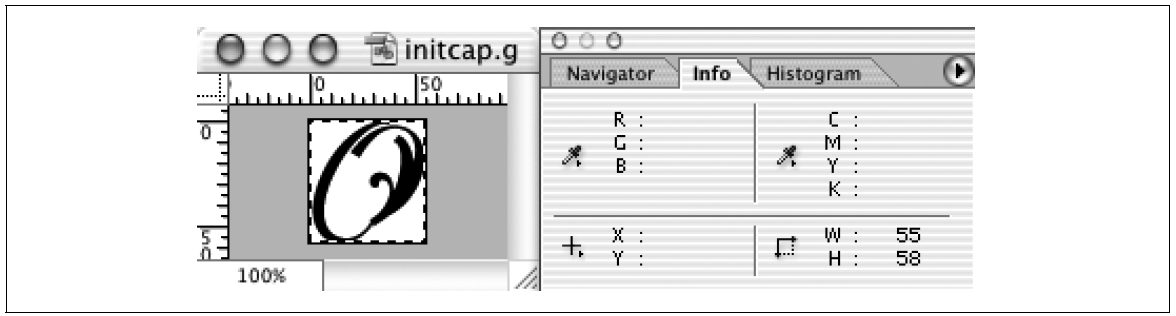
Figure: The initial capital image.
Next hide the first letter in the HTML text by setting the property display to none. Then place the image in the paragraph’s background. Make sure the image is not repeated by setting the property background-repeat to no-repeat:
background-image: url(initcap-o.gif);
background-repeat: no-repeat;
Now use the image’s known width as the value of the property text-indent and its height as the paragraph’s top padding (padding-top) (see the following figure):
text-indent: 55px;
padding-top: 58px;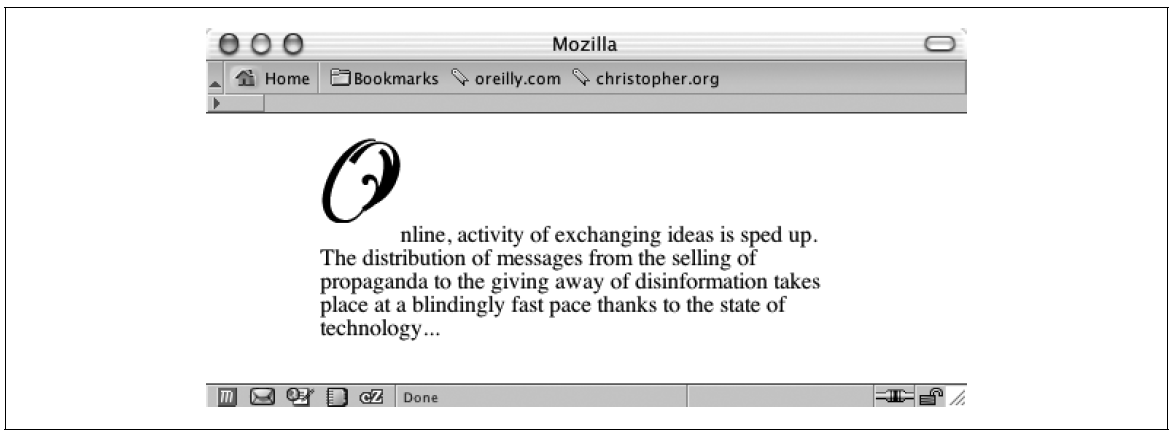
Figure: Adjusting the space for the initial capital.
Finally, adjust the values of text-indent and padding-top so that the initial capital shares a baseline with the remaining text, as already shown in the figure Using an image as an initial capital.
Users who have disabled image display will not be able to see the initial capital, especially since this solution cannot include an attribute alt for the image. You can avoid this by replacing the HTML character itself with an image:
<p><img src="initcap-o.gif" alt="O"/>nline, activity of exchanging ideas is sped up. The distribution of messages from the selling of propaganda to the giving away of disinformation takes place at a blindingly fast pace thanks to the state of technology …</p>Displaying the attribute alt comes at the cost of losing control over the space between the initial capital and the remaining HTML text. The text begins directly at the image’s right edge and cannot be moved closer to the letter shown in the image.
See also
The recipe Initial capitals at the start of a paragraph for creating simple initial capitals.
Copyright of the German edition © 2007 by O’Reilly Verlag GmbH & Co. KG
You may print the online version for your private use.
Otherwise, this chapter from “CSS Kochbuch” is subject to the same conditions as the bound edition: the work, including all its parts, is protected by copyright. All rights reserved, including reproduction, translation, microfilming, and storage and processing in electronic systems.
O’Reilly Verlag GmbH & Co. KG, Balthasarstr. 81, 50670 Köln