

XML technologies / CSS / CSS Cookbook / Typography for the web / Headings with style
(Excerpt from “CSS Kochbuch” by Christopher Schmitt)
Problem
You want to design a heading that differs from the default appearance. For example, you may want to italicize the heading in the following figure, as shown in the figure after that.
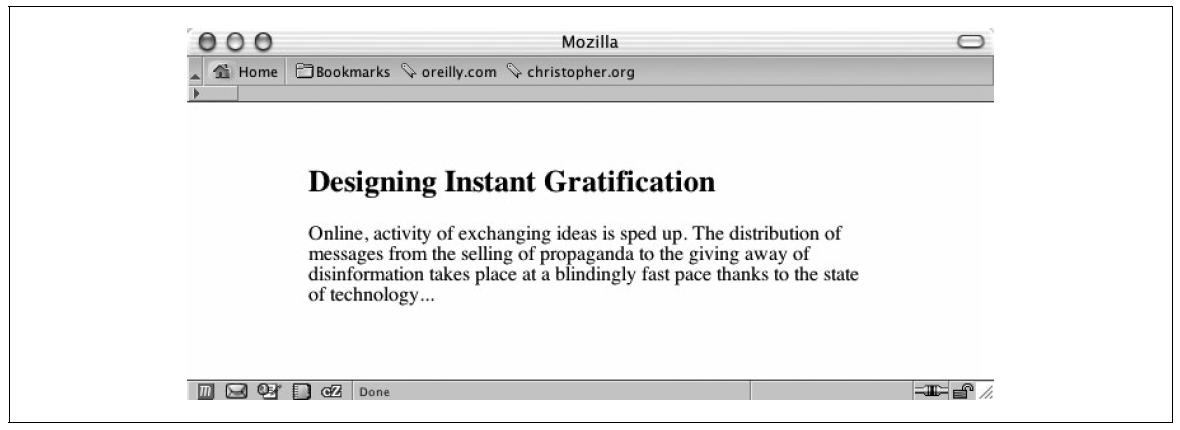
Figure: Default heading appearance.
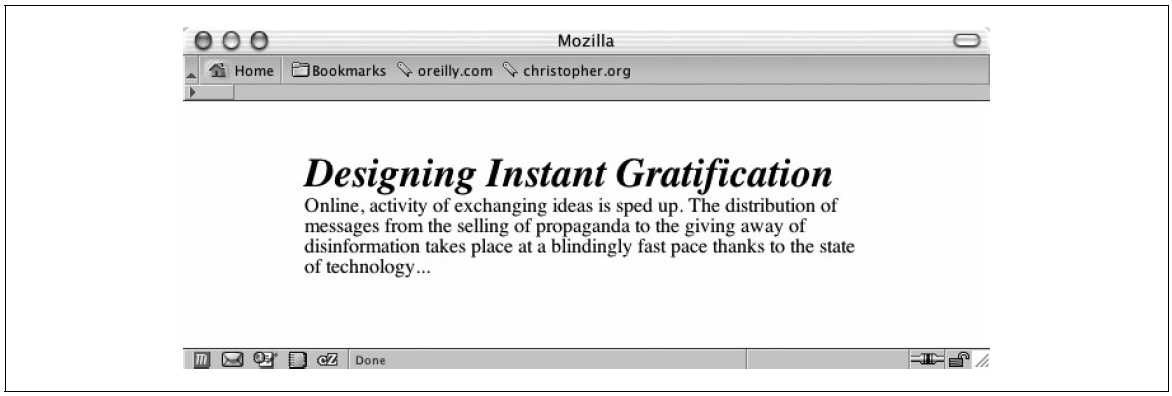
Figure: The heading with styles applied.
Solution
First mark up the heading correctly as a heading:
<h2>Designing Instant Gratification</h2>
<p>Online, activity of exchanging ideas is sped up. The distribution of messages from the selling of propaganda to the giving away of disinformation takes place at a blindingly fast pace thanks to the state of technology …</p>Then use the shorthand property font to customize its appearance easily:
h2 {
 font: bold italic 2em Georgia, Times, "Times New Roman", serif;
 margin: 0;
 padding: 0;
}
p {
 margin: 0;
 padding: 0;
}
Discussion
As described in the recipe Shorthand properties, a shorthand property combines several individual properties into one. The property font is one of these time-saving properties. It can represent values for the following properties:
font-stylefont-variantfont-weightfont-size/line-heightfont-family
The first three values may appear in any order, but the remaining values must follow the order shown here.
If you want to define a value for line-height, separate it from the value for font-size with a slash:
p {
 font: 1em/1.5em Verdana, Arial, sans-serif;
}
When styling headings, remember that browsers supply their own defaults for paragraph and heading margins and padding. These defaults generally have mathematical rather than aesthetic foundations.
See also
The CSS 2.1 specification on shorthand properties.
Copyright of the German edition © 2007 by O’Reilly Verlag GmbH & Co. KG
You may print the online version for your private use.
Otherwise, this chapter from “CSS Kochbuch” is subject to the same conditions as the bound edition: the work, including all its parts, is protected by copyright. All rights reserved, including reproduction, translation, microfilming, and storage and processing in electronic systems.
O’Reilly Verlag GmbH & Co. KG, Balthasarstr. 81, 50670 Köln