

XML technologies / CSS / CSS Cookbook / Typography for the web / Adding an image to heading text
(Excerpt from “CSS Kochbuch” by Christopher Schmitt)
Problem
A tiled, horizontally repeated image should appear along the bottom of a heading, like the grass in the following figure.
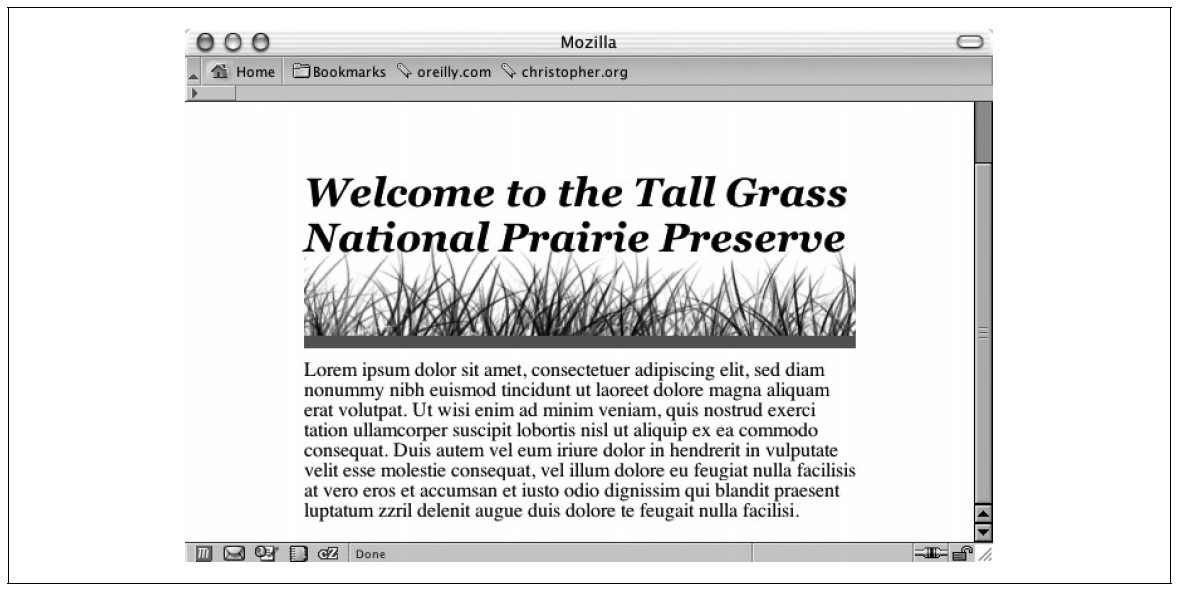
Figure: Heading with its own background image.
Solution
Use the properties background-image, background-repeat and background-position:
h2 {
 font: bold italic 2em Georgia, Times, "Times New Roman", serif;
 background-image: url(tall_grass.jpg);
 background-repeat: repeat-x;
 background-position: bottom;
 border-bottom: 10px solid #666;
 margin: 10px 0 0 0;
 padding: 0.5em 0 60px 0;
}
Discussion
Note the intended background image’s height. In our example, it is 100 pixels (see the next figure).

Figure: An image of tall grass.
Set the property background-repeat to repeat-x to repeat the image horizontally:
background-image: url(tall_grass.jpg);
background-repeat: repeat-x;
Then set the property background-position to the value bottom:
background-position: bottom;This property accepts at most two values, corresponding to the horizontal and vertical axes. For background-position, specify a length (such as pixels), a percentage or a keyword. To position a background image along the x-axis, use one of the keywords left, center or right. The y-axis keywords are top, center and bottom.
If no position is specified for an axis, the image defaults to the center of that axis (see the following figure).
background-position: bottom;In this solution, the image is therefore positioned at the bottom on the y-axis while repeating along the x-axis.
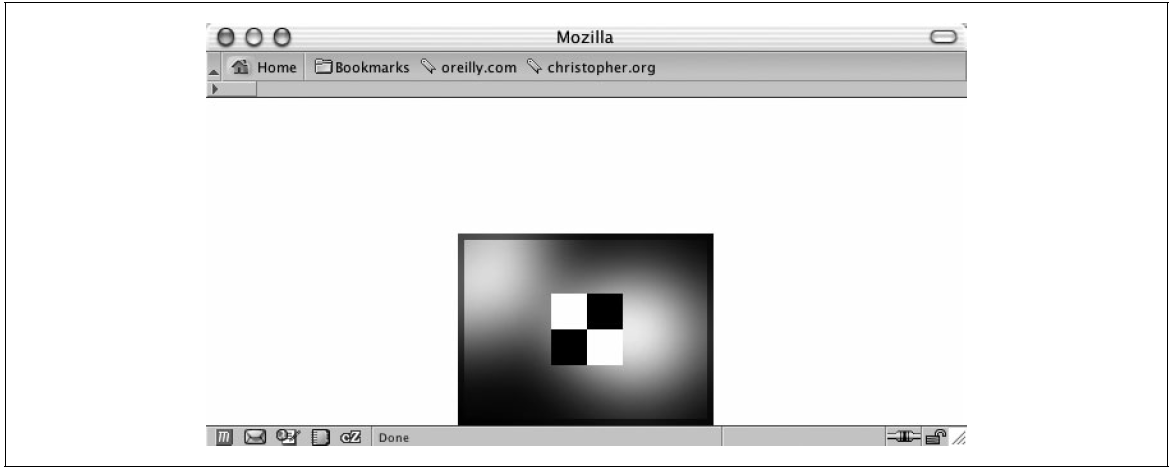
Figure: The image is positioned at the bottom on the y-axis and in the center on the x-axis.
See also
The recipe Non-tiled background images for defining a background image for an entire web page.
Copyright of the German edition © 2007 by O’Reilly Verlag GmbH & Co. KG
You may print the online version for your private use.
Otherwise, this chapter from “CSS Kochbuch” is subject to the same conditions as the bound edition: the work, including all its parts, is protected by copyright. All rights reserved, including reproduction, translation, microfilming, and storage and processing in electronic systems.
O’Reilly Verlag GmbH & Co. KG, Balthasarstr. 81, 50670 Köln