

XML technologies / CSS / CSS Cookbook / Lists / Using large graphics as list markers
(Excerpt from “CSS Kochbuch” by Christopher Schmitt)
Problem
If you use particularly large graphics for the property list-style-image, they may not be displayed in full.
Solution
Instead of list-style-image, use the property background. First remove the default list marker using the property list-style (see the next figure):
ul {
 margin-left: 40px;
 padding-left: 0px;
 list-style: none;
}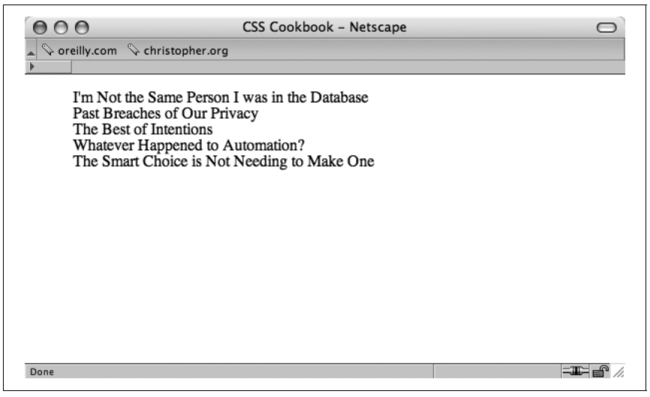
Figure: The default list markers have been removed.
To leave enough room for the new image, define a sufficiently wide left margin for the list items (see the following figure):
ul {
 margin-left: 40px;
 padding-left: 0px;
 list-style: none;
}
li {
 padding: .3em 0 1em 40px;
 font: 1.1em/1.2 Verdana, Arial, Verdana, sans-serif;
}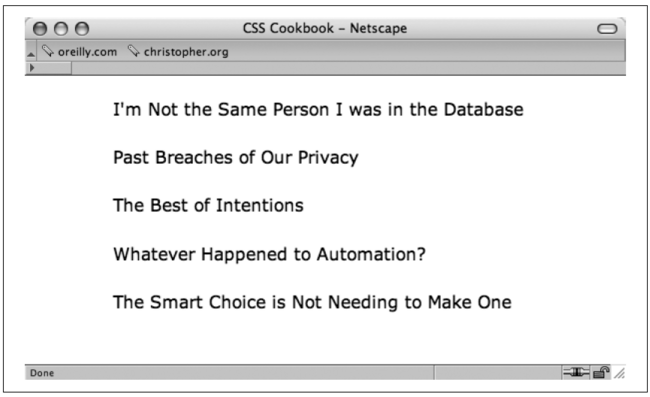
Figure: Additional margin has been defined to the left of the list items.
Now insert the new list marker using the property background (see the next figure):
ul {
 margin-left: 40px;
 padding-left: 0px;
 list-style: none;
}
li {
 padding: .3em 0 1em 40px;
 font: 1.1em/1.2 Verdana, Arial, Verdana, sans-serif;
 background: url(search_32.eps) no-repeat;
}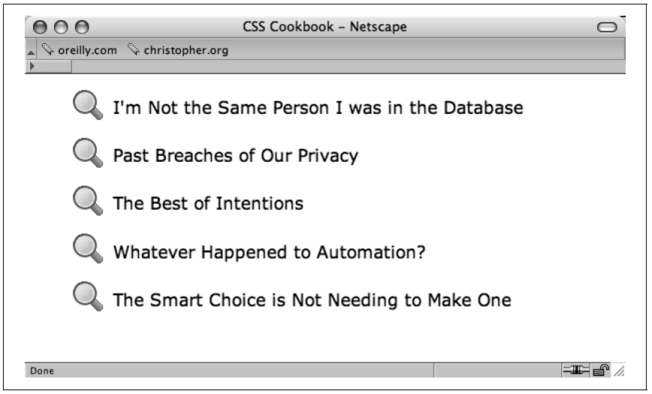
Figure: List markers are displayed in full.
Discussion
Using the property background gives you more design freedom than list-style-image. With this technique, list markers can be any size, provided that the left margin is wide enough.
See also
The recipe Enhancing a list’s appearance with graphics for a more complex version of this solution.
Copyright of the German edition © 2007 by O’Reilly Verlag GmbH & Co. KG
You may print the online version for your private use.
Otherwise, this chapter from “CSS Kochbuch” is subject to the same conditions as the bound edition: the work, including all its parts, is protected by copyright. All rights reserved, including reproduction, translation, microfilming, and storage and processing in electronic systems.
O’Reilly Verlag GmbH & Co. KG, Balthasarstr. 81, 50670 Köln