

Software / Octopus / Supported output formats / Educational formats / LBook
What is LBook?
The Octopus LBook format (short for “L(earn)Book”) is a responsive HTML5-based web format that works online and offline, contains all content media and loads complete learning units. LBook can therefore also be described as a digital book (webbook) with an integrated search function and an optional bot, enabling an interactive, personalised learning experience.
Whether for education, training or as a digital book, LBook offers the ideal combination of functionality, flexibility and ease of use.
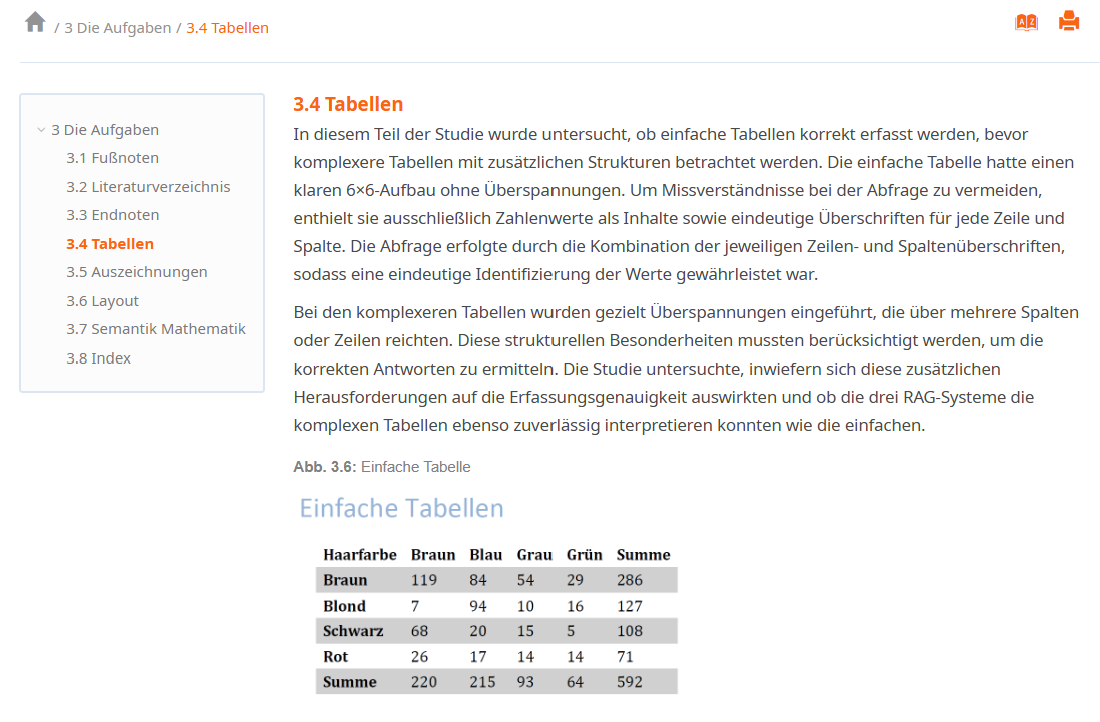
Fig.: Example of learning content in LBook format.
Uses of LBook:
LBook is optimised for learning content and is also an excellent webbook format. It supports all media, allows complete units to be loaded and provides a responsive design that displays optimally on all devices.
Areas of application:
Digital book (webbook)
Interactive documentation
Multimedia reference work
Interactive documentation
Learning support for blended learning
Octopus Knowledgebase – create an interactive, searchable knowledge base with LBook
Octopus Knowledgebase is the ideal solution for turning documents in different formats, such as Word, PDF, Excel or even content from an external source (such as a database) into a clearly structured website with integrated search. Knowledge is thus brought together and made quickly searchable and easily accessible.
In the following video, Elena Montero shows how LBook can be used both as an eLearning format and as Octopus Knowledgebase:
YouTube video: Octopus Knowledgebase
Typical uses of Octopus Knowledgebase:
Internal corporate knowledge bases (internal knowledge management platforms)
Research documentation
Project archives
Libraries wishing to make their knowledge digitally accessible
LBook features:
Offline capability
LBook provides access to content anytime and anywhere, even without an Internet connection. All data is stored locally, ensuring that it can be used regardless of network coverage.
Interactive exercises
Integrated tests and interactive tasks based on the H5P format make learning and using content an interactive experience. Results are displayed and evaluated immediately for self-assessment, and recommendations for further content can be shown, enabling adaptive learning.
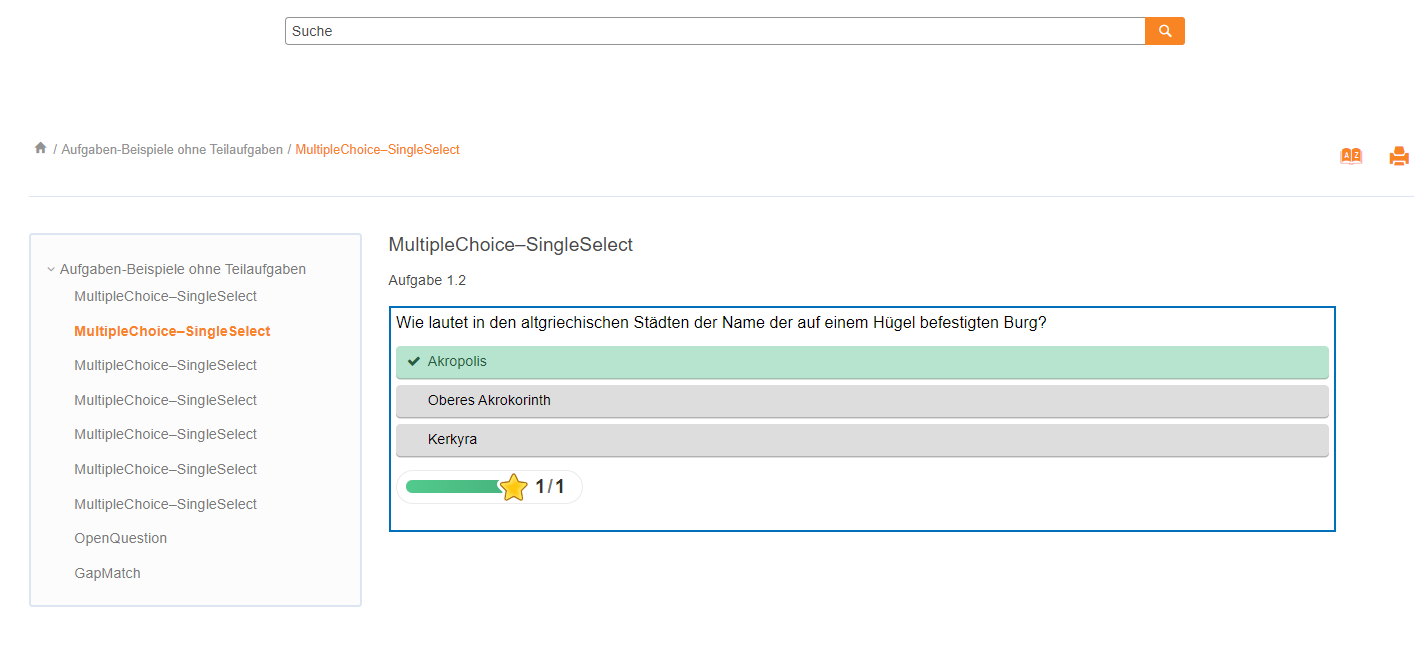
Fig.: MultipleChoice-SingleSelect self-assessment task in LBook format.
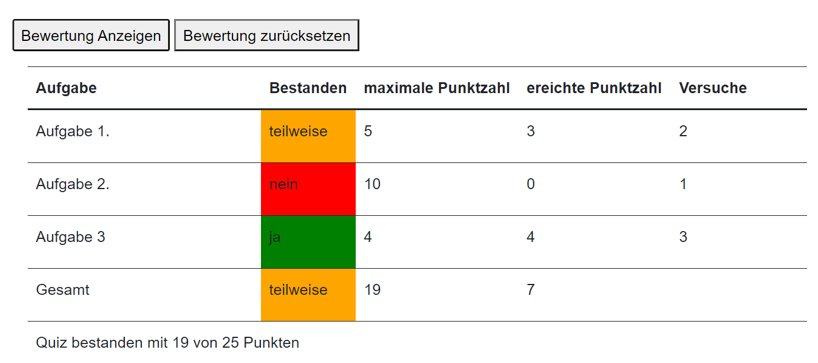
Fig.: Example quiz results table in LBook format.
Content as PDF
In LBook, individual chapters or the entire webbook can be downloaded as PDF.
Powerful search
With offline search and automatic indexing, users can quickly and easily access the information they need – ideal for extensive content.
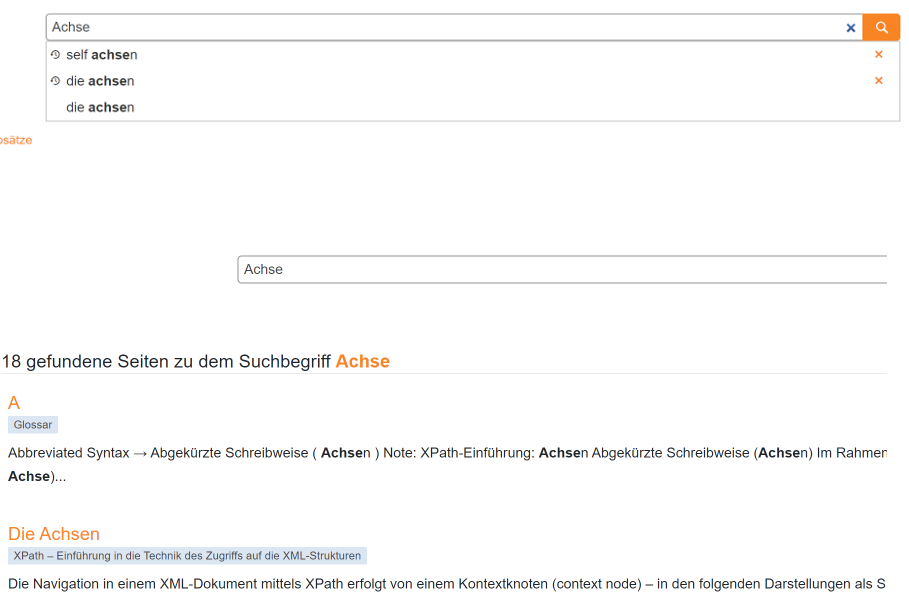
Fig.: Example search function in LBook format.
Optional AI bot
The optional chatbot helps users navigate and answers questions. It is automatically populated with the relevant content to provide a personalised user experience.
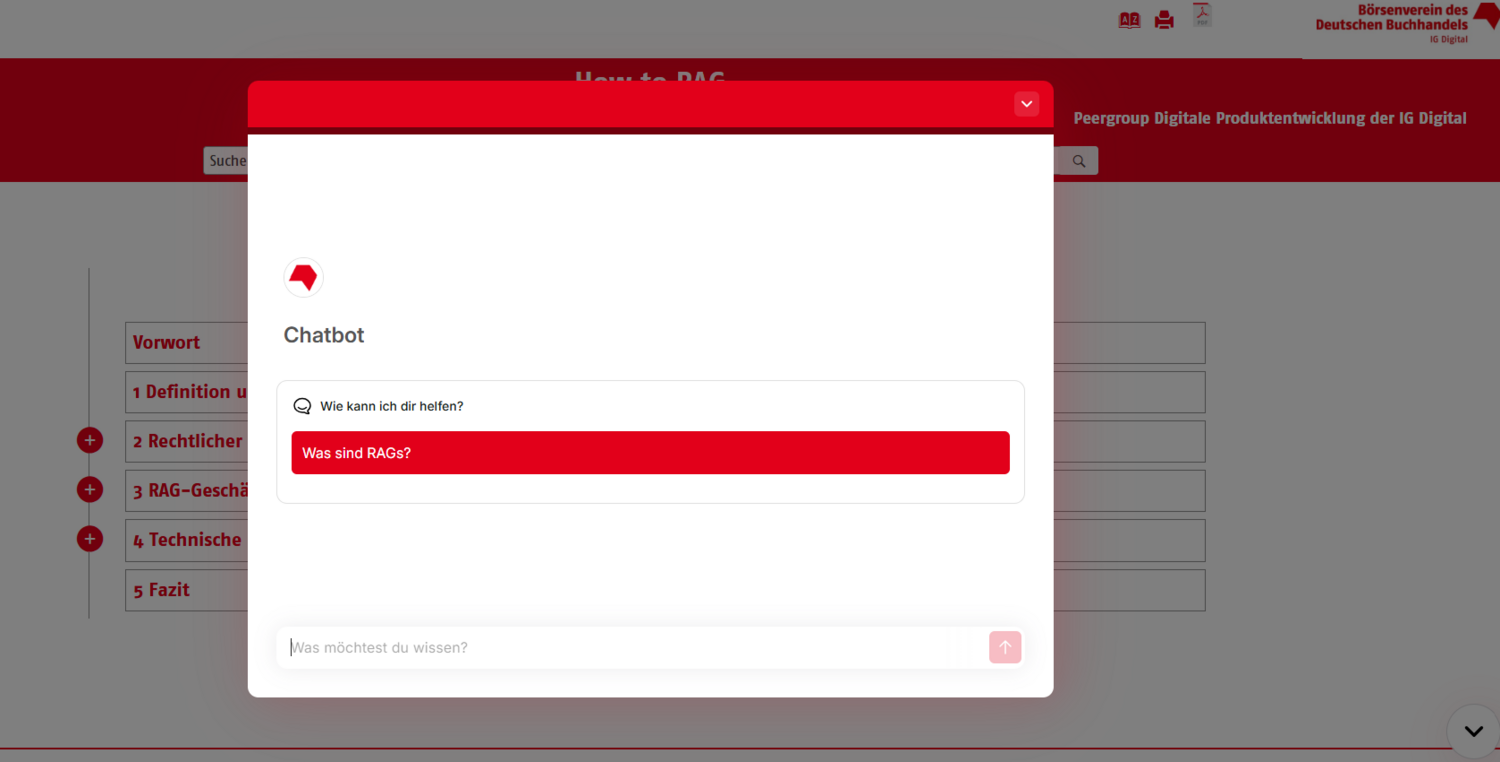
Fig.: Chatbot window in LBook format.
Easy customisation with OFX
LBook can be flexibly adapted to individual requirements using the Octopus Framework eXtension (OFX). The user-friendly configuration file makes it easy to customise layouts, colours, fonts and functions.
Conclusion
LBook is the perfect solution for anyone looking for a flexible, offline-capable and customisable platform – whether for interactive learning content, as a modern webbook or as a searchable knowledge base.