XML technologies / XSL-FO / Reference / Antenna House Formatter XSL Extensions / Properties / show-controls
(Excerpt from "XSL-FO ― Die Referenz" by Manuel Montero Pineda & Steffen Herkert, 2016, dpunkt.verlag)
A | B | C | D | E | F | G | H | I | J | K | L | M | N | O | P | Q | R | S | T | U | V | W | X | Y | Z
Category Images, Multimedia
Specifies whether to show the player control bar for multimedia. [no-LT]
Value: | true | false |
Initial value: | false |
Applies to: | fo:external-graphic / multimedia objects |
Inherited: | no |
Percentages: | N/A |
Values have the following meanings.
true | Shows the player control bar. |
false | Does not show the player control bar. |
The control bar is shown under the playing multimedia object. To prevent overlapping the control bar with another object, it is necessary to make enough space below the multimedia object.
CAUTION: | Whether the control bar is shown or not depends on the multimedia data, the viewer or the player. |
This property is not available with AH Formatter V6.3 Lite.
See also Multimedia.
XSL-FO sample:
<fo:root xml:lang="en" xmlns:fo="http://www.w3.org/1999/XSL/Format" xmlns:cpfo="http://www.compart.net/xmlns/cpfo" xmlns:svg="http://www.w3.org/2000/svg" xmlns:axf="http://www.antennahouse.com/names/XSL/Extensions">
<axf:document-info name="document-title" value="Example of embedding multi media in PDF"/>
<axf:document-info name="author" value="Antenna House, Inc."/>
<fo:layout-master-set>
<fo:simple-page-master page-height="297mm" page-width="210mm" margin-top="10mm" margin-left="20mm" margin-right="20mm" margin-bottom="10mm" master-name="PageMaster1">
<fo:region-after extent="7mm"/>
<fo:region-body margin-top="0mm" margin-left="0mm" margin-right="0mm" margin-bottom="10mm"/>
</fo:simple-page-master>
</fo:layout-master-set>
<fo:page-sequence master-reference="PageMaster1">
<fo:static-content flow-name="xsl-region-after">
<fo:block font-size="0.8em" text-align="right" color="green">
<fo:basic-link external-destination="http://www.antennahouse.com/">
Antenna House, Inc.
</fo:basic-link>
</fo:block>
</fo:static-content>
<fo:flow flow-name="xsl-region-body" font-family="serif" font-size="1em" line-height="1.4" axf:hyphenate-hyphenated-word="false" hyphenate="true">
<fo:block span="all" font-family="sans-serif" font-size="2em" font-weight="bold" line-height="2" space-before="1em" space-after="1em" space-before.conditionality="retain" space-after.conditionality="retain" background-color="#EEEEEE">
<fo:block start-indent="1em" end-indent="1em">

Example of embedding multi media in PDF
</fo:block>
</fo:block>
<fo:block span="all" space-before="1em" space-after="1em" space-after.conditionality="retain" text-indent="0em" border="1pt solid #9999FF" start-indent="0.5em" end-indent="0.5em" padding="0.5em" text-align="justify">
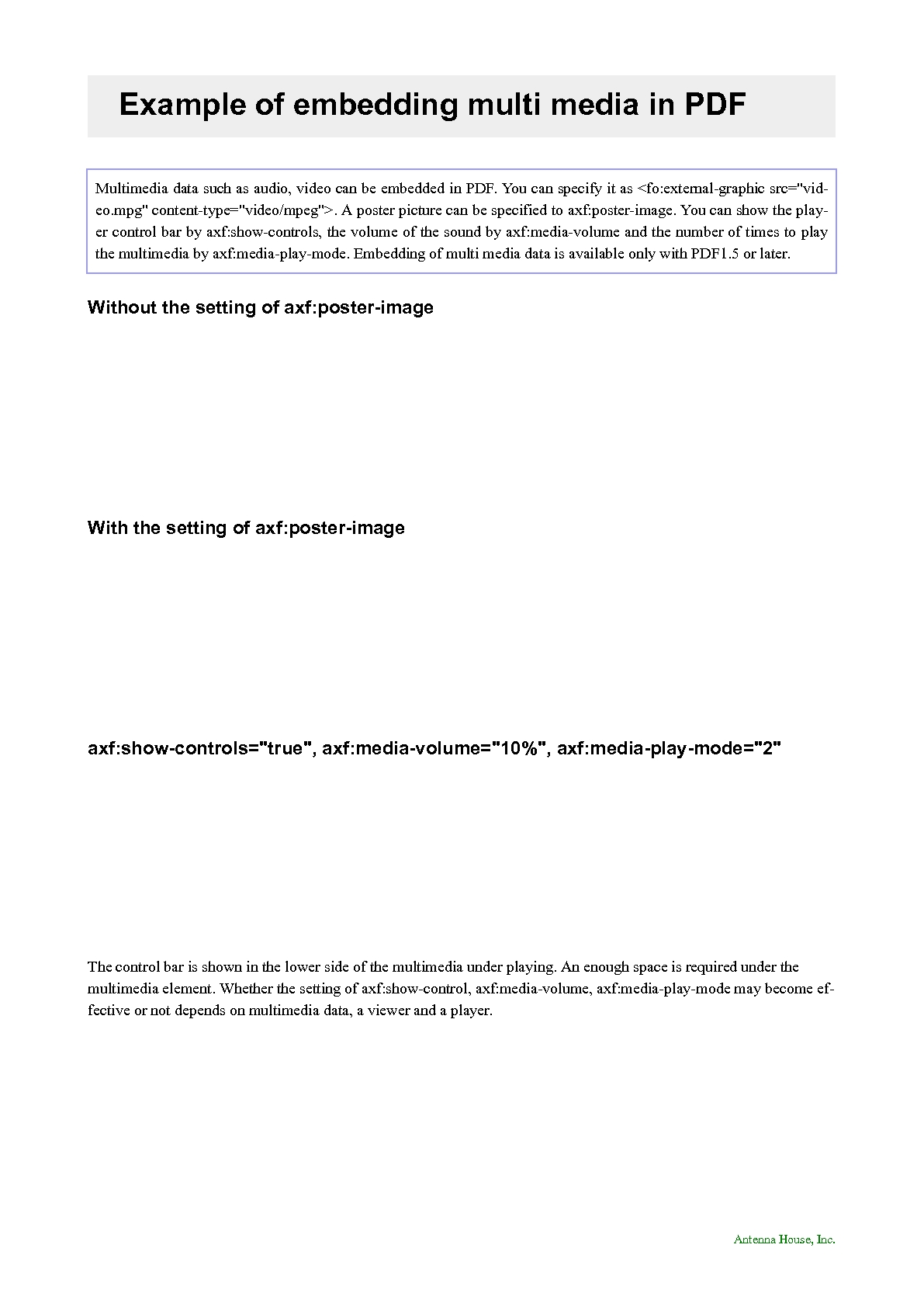
Multimedia data such as audio, video can be embedded in PDF. You can specify it as <fo:external-graphic src="video.mpg" content-type="video/mpeg">. A poster picture can be specified to axf:poster-image. You can show the player control bar by axf:show-controls, the volume of the sound by axf:media-volume and the number of times to play the multimedia by axf:media-play-mode. Embedding of multi media data is available only with PDF1.5 or later.
</fo:block>
<fo:block space-before="1em" font-family="sans-serif" font-size="1.2em" font-weight="bold" text-indent="0em" line-height="2" keep-with-next.within-column="always">
Without the setting of axf:poster-image
</fo:block>
<fo:block>
<fo:external-graphic src="img/Wildlife.mpg" content-type="video/mpeg" width="180pt" height="100pt"/>
</fo:block>
<fo:block space-before="1em" font-family="sans-serif" font-size="1.2em" font-weight="bold" text-indent="0em" line-height="2" keep-with-next.within-column="always">
With the setting of axf:poster-image
</fo:block>
<fo:block>
<fo:external-graphic src="img/Wildlife.mpg" content-type="video/mpeg" axf:poster-image="img/Wildlife_0001.jpg" width="180pt" height="100pt"/>
</fo:block>
<fo:block space-before="1em" font-family="sans-serif" font-size="1.2em" font-weight="bold" text-indent="0em" line-height="2" keep-with-next.within-column="always">
axf:show-controls="true", axf:media-volume="10%", axf:media-play-mode="2"
</fo:block>
<fo:block space-after="1.5em">
<fo:external-graphic src="img/Wildlife.mpg" content-type="video/mpeg" axf:show-controls="true" axf:media-volume="10%" axf:media-play-mode="2" axf:poster-image="img/Wildlife_0001.jpg" width="180pt" height="100pt"/>
</fo:block>
<fo:block>
The control bar is shown in the lower side of the multimedia under playing. An enough space is required under the multimedia element. Whether the setting of axf:show-control, axf:media-volume, axf:media-play-mode may become effective or not depends on multimedia data, a viewer and a player.
</fo:block>
</fo:flow>
</fo:page-sequence>
</fo:root>Output: