

XML technologies / CSS / CSS Cookbook / Images / Rounded corners (Sliding Doors technique)
(Excerpt from “CSS Kochbuch” by Christopher Schmitt)
Problem
Give rounded corners to columns whose widths can vary.
Solution
Use the Sliding Doors technique popularized by Douglas Bowman.
Create the basic column layout (see the following figure).
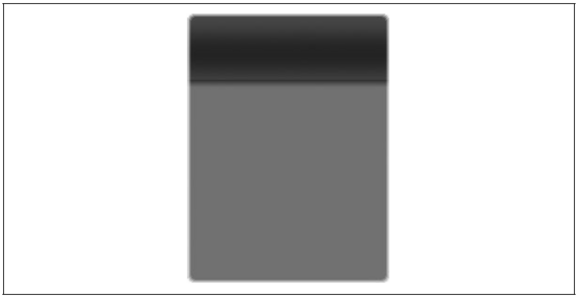
Figure: The basic column layout.
Then create a separate image for each corner, like those in the next figure.
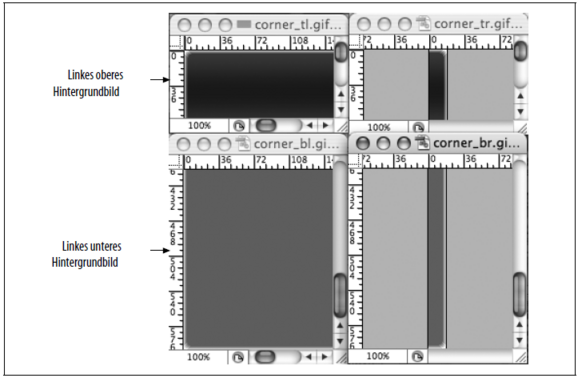
Figure: The column design is divided into four images.
Wrap the column content in additional elements div:
<div id="box">
<div id="innerhead">
<h2>I Met a Girl I’d Like to Know Better</h2>
</div>
<div id="content">
<div id="innercontent">
<p>Lorem ipsum dolor sit amet, consectetuer adipiscing elit, sed diam nonummy nibh euismod tincidunt ut laoreet dolore magna aliquam erat volutpat. Ut wisi enim ad minim veniam.</p>
</div>
</div>
</div>Now position the background images with CSS (see the next figure). Use the top-left corner as the background of the element div with attribute id “innerhead”; use the top-right corner as the background of the existing element h2. The element div with attribute id “content” receives the bottom-left corner as its background, and the element div with attribute id “innercontent” receives the bottom-right corner.
#innerhead {
 background-image: url(corner_tl.gif);
 background-position: top left;
 background-repeat: no-repeat;
}
h2 {
 background-image: url(corner_tr.gif);
 background-position: top right;
 background-repeat: no-repeat;
 margin: 0;
 padding: 7px;
 border-bottom: 1px solid #999;
 font-size: 1.3em;
 font-weight: normal;
 color: #eee;
}
#content {
 background-image: url(corner_bl.gif);
 background-position: bottom left;
 background-repeat: no-repeat;
}
#innercontent {
 background-image: url(corner_br.gif);
 background-position: bottom right;
 background-repeat: no-repeat;
}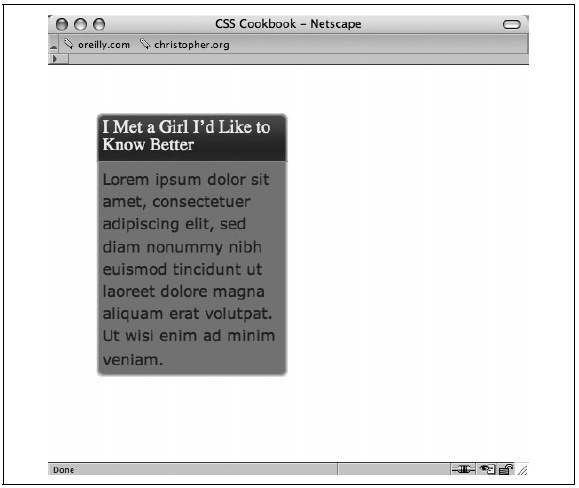
Figure: The column corners now appear rounded.
Discussion
This recipe uses several elements div and h2 to anchor the four corner background images. They remain in their intended positions even when the browser window is resized (see the next figure).
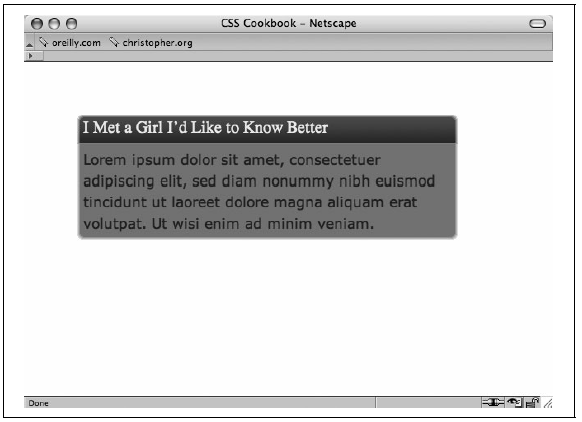
Figure: The rounded corners stay in their intended positions when the column is resized.
More advanced image editing skills are needed to preserve the design when the column width changes. Edit one side, left or right, extending the images vertically and horizontally. For example, this solution extends the images for the left corners (see the following two figures).
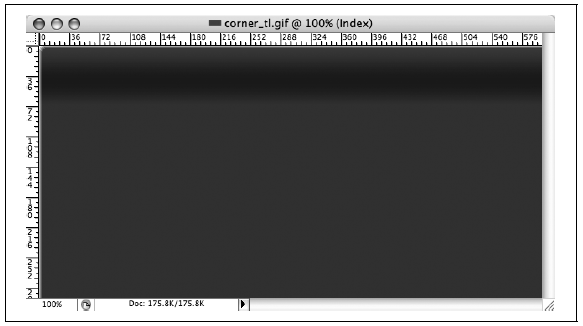
Figure: The bottom-right image is 600 pixels wide and over 250 pixels high.
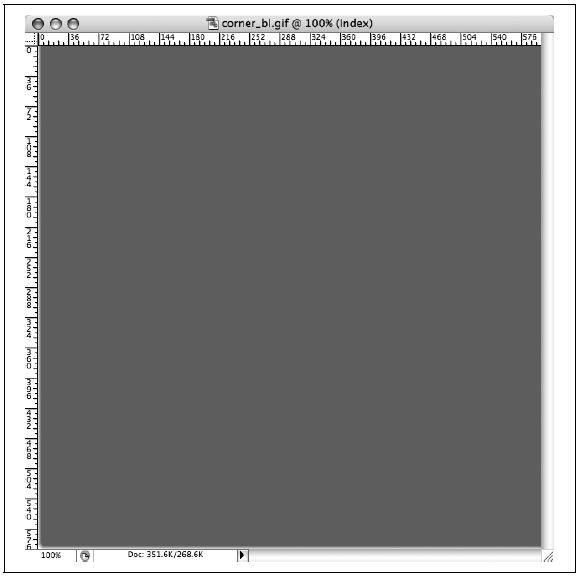
Figure: The bottom-left image measures 600 x 600 pixels.
See also
The recipe Rounded corners (Mountaintop technique) for a simple way to give a column rounded corners.
Copyright of the German edition © 2007 by O’Reilly Verlag GmbH & Co. KG
You may print the online version for your private use.
Otherwise, this chapter from “CSS Kochbuch” is subject to the same conditions as the bound edition: the work, including all its parts, is protected by copyright. All rights reserved, including reproduction, translation, microfilming, and storage and processing in electronic systems.
O’Reilly Verlag GmbH & Co. KG, Balthasarstr. 81, 50670 Köln