

Software / QBK XML Differ / How it works
Precise comparison of complex XML requires more than simple text comparison. The QBK XML Differ first identifies corresponding parts of the two versions, then determines what was added, deleted, changed or moved.
1. Two XML versions
The starting point is two XML files. Element names, attributes, IDs and hierarchies supplement visible text for analysis.
2. Matching before differencing
The initial question is: which node in version A corresponds to which node in version B? A moved paragraph should be recognised as the same content where possible, rather than an unrelated deletion and insertion.
3. Combining multiple matchers
The QBK XML Differ uses a flexible, modular matcher pipeline rather than a fixed algorithm. Strategies can be selected and combined for each document:
ID matching using xml:id or id
Matching identical content
Context and sibling relationships
Titles and section structures
Tables and table cells
Paragraph similarity
Inline matching
Attribute matching
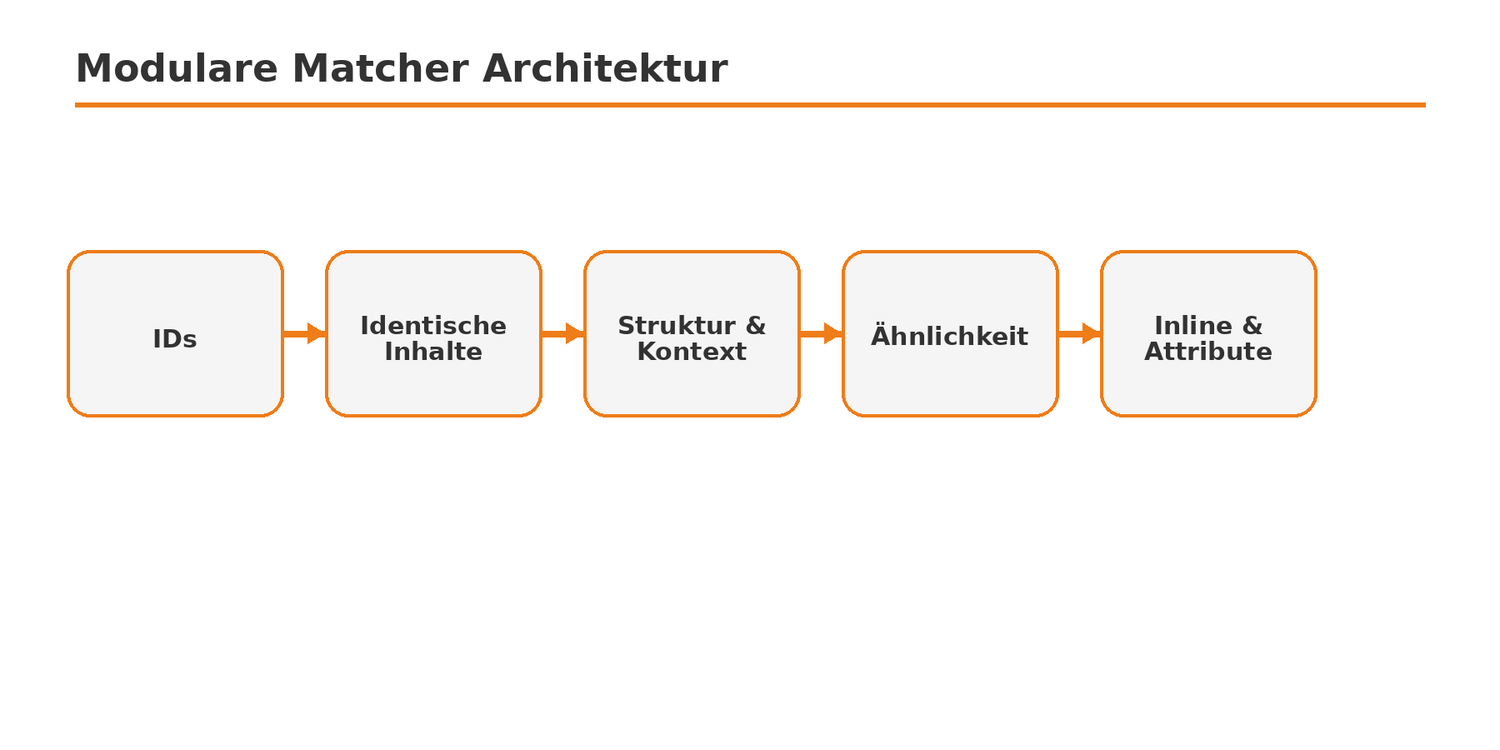
Figure: Modular matcher pipeline in the project structure
The comparison engine can thus adapt to different XML structures and domain requirements. IDs, text similarity, containers, sequence, moves and inline fragments can receive different weights according to the project.
4. Identifying changes
Once relationships are established, unchanged, changed, added, removed and moved content can be distinguished.
5. Structured result
The result is an annotated XML document, which supports various outputs, particularly the main application: a PDF showing changes from both versions.
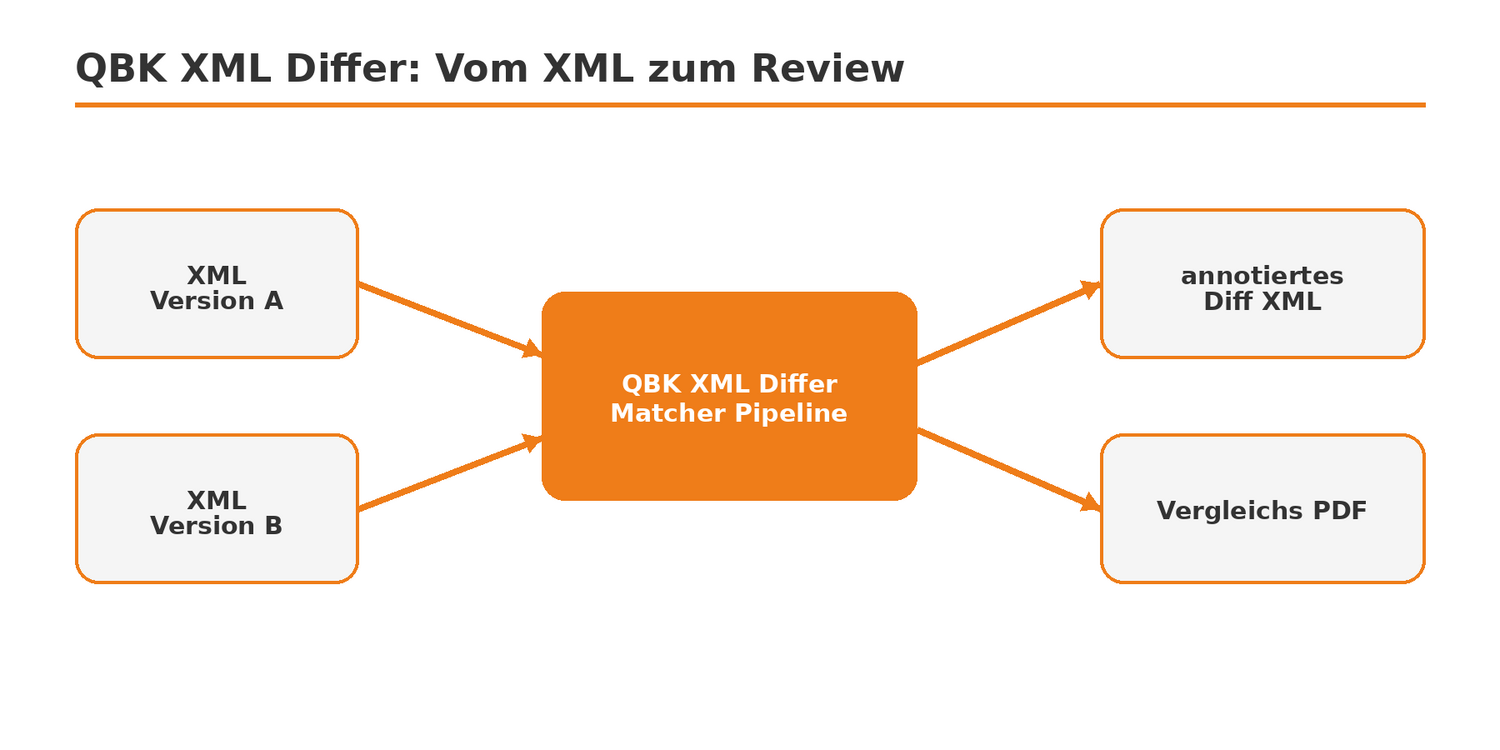
Figure: The matcher pipeline compares two XML versions and produces annotated XML and a comparison PDF
QBK XML Differ for your documents
Want to know which strategies suit your XML structure? We analyse a typical document pair with you.