XML technologies / XSL-FO / Reference / Antenna House Formatter XSL Extensions / Properties / outline-title
(Excerpt from "XSL-FO ― Die Referenz" by Manuel Montero Pineda & Steffen Herkert, 2016, dpunkt.verlag)
A | B | C | D | E | F | G | H | I | J | K | L | M | N | O | P | Q | R | S | T | U | V | W | X | Y | Z
Category Bookmark and Link in PDF Output >> Making Bookmark
The axf:outline-title specifies the string which appears as a title of bookmarks.
Value: | <string> |
Initial value: | empty string |
Applies to: | block-level formatting objects |
Inherited: | no |
Percentages: | N/A |
If this property is omitted or has an empty string, the text of the object to which the property is added will become the title. In other words, the following two samples create the same bookmark.
<fo:block axf:outline-level="2" axf:outline-title="1. Introduction">... <fo:block axf:outline-level="2">1. Introduction</fo:block>
In CSS, (-ah-)bookmark-label is also available.
XSL-FO sample:
<fo:root font-family="Arial Unicode MS" font-size="12pt" xmlns:fo="http://www.w3.org/1999/XSL/Format" xmlns:cpfo="http://www.compart.net/xmlns/cpfo" xmlns:svg="http://www.w3.org/2000/svg" xmlns:axf="http://www.antennahouse.com/names/XSL/Extensions">
<axf:document-info name="author" value="Alex Critchfield, Antenna House"/>
<axf:document-info name="keywords" value="extensions, multi-volume, separate bookmarks"/>
<axf:document-info name="subject" value="multi-volume with separate bookmarks"/>
<axf:document-info name="title" value="multi-volume with separate bookmarks"/>
<fo:layout-master-set>
<fo:simple-page-master page-width="8.5in" page-height="11in" master-name="volume1">
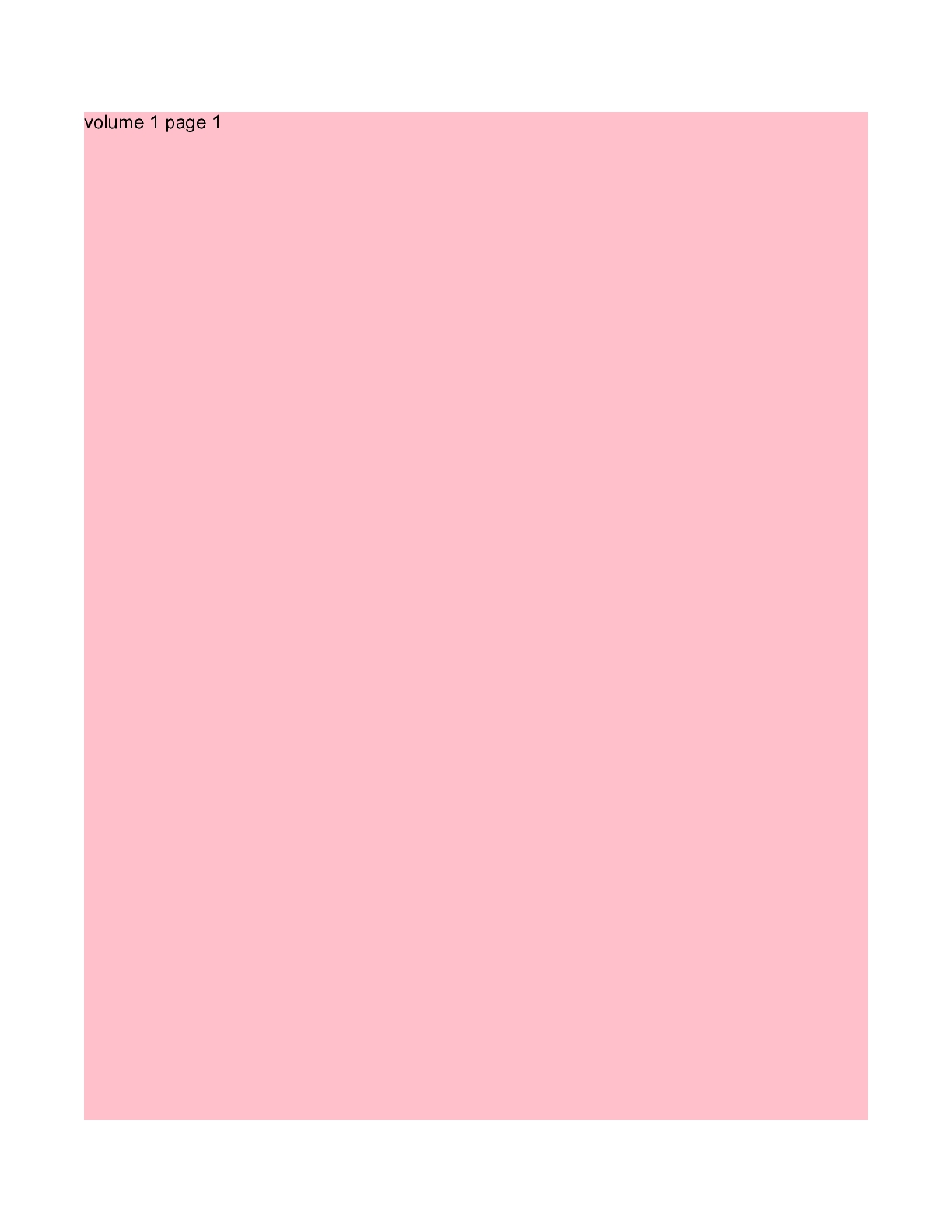
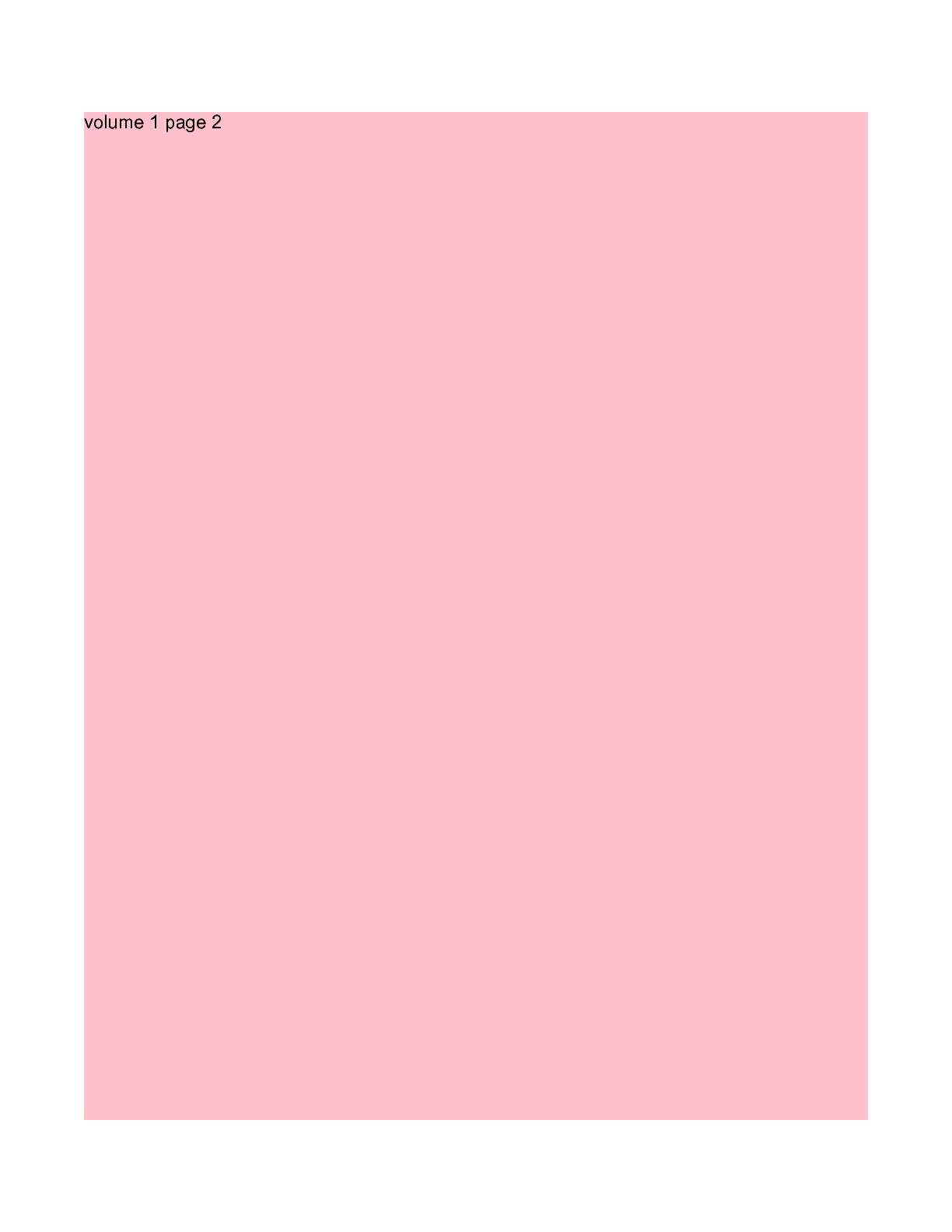
<fo:region-body region-name="body" margin-top="1in" background-color="pink" margin-bottom="1in" margin-left=".75in" margin-right=".75in"/>
</fo:simple-page-master>
<fo:simple-page-master page-width="8.5in" page-height="11in" master-name="volume2">
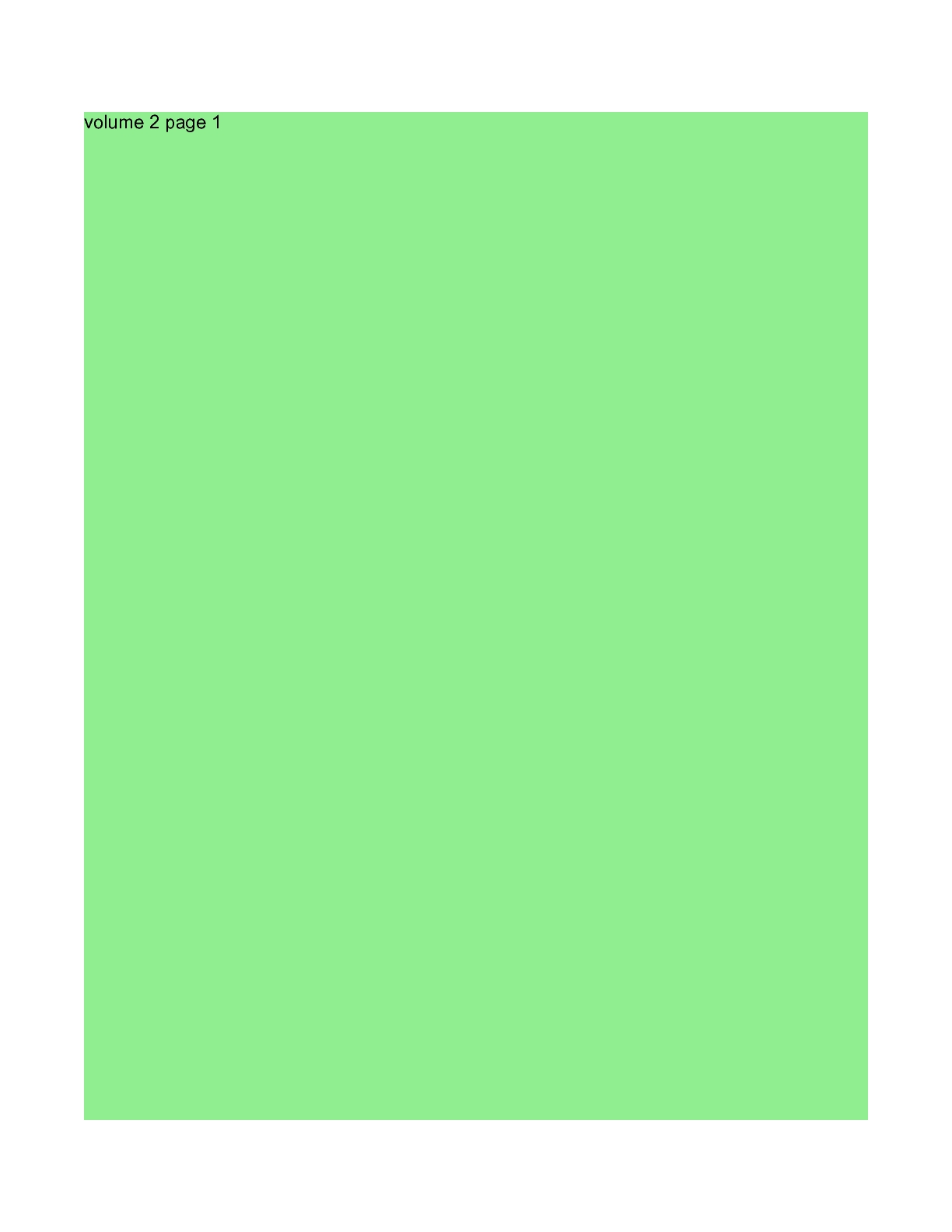
<fo:region-body region-name="body" margin-top="1in" background-color="lightgreen" margin-bottom="1in" margin-left=".75in" margin-right=".75in"/>
</fo:simple-page-master>
</fo:layout-master-set>
<axf:output-volume-info initial-volume-number="1" format="-1" bookmark-include="separate"/>
<fo:page-sequence master-reference="volume1">
<fo:flow flow-name="body">
<fo:block break-after="page">
volume 1 page 1
</fo:block>
<fo:block axf:outline-level="1" axf:outline-expand="false" axf:outline-title="Volume 1 page 2">
volume 1 page 2


</fo:block>
</fo:flow>
</fo:page-sequence>
<fo:page-sequence master-reference="volume2" axf:output-volume-break="true">
<fo:flow flow-name="body">
<fo:block break-after="page">
volume 2 page 1
</fo:block>
<fo:block axf:outline-level="1" axf:outline-expand="false" axf:outline-title="Volume 2 page 2">

volume 2 page 2
</fo:block>
</fo:flow>
</fo:page-sequence>
</fo:root>Output:
page 2
page 3
page 4