XML-Technologien / XSL-FO / Referenz / Antenna House Formatter XSL Extensions / Properties / poster-image
(Auszug aus "XSL-FO ― Die Referenz" von Manuel Montero Pineda & Steffen Herkert, 2016, dpunkt.verlag)
A | B | C | D | E | F | G | H | I | J | K | L | M | N | O | P | Q | R | S | T | U | V | W | X | Y | Z
Category Images, Multimedia
Specifies the poster image for embedded multimedia. [no-LT]
Value: | |
Initial: | auto |
Applies to: | fo:external-graphic / multimedia objects |
Inherited: | no |
Percentages: | N/A |
Values have the following meanings.
<uri-specification> | Specifies the URL of the poster image. Multimedia, such as video or audio, cannot be specified. |
none | Specifies no poster images. |
auto | Uses the plain fallback image for the poster image. |
This property is not available with AH Formatter V6.3 Lite.
See also Multimedia.
XSL-FO sample:
<fo:root xml:lang="en" xmlns:fo="http://www.w3.org/1999/XSL/Format" xmlns:cpfo="http://www.compart.net/xmlns/cpfo" xmlns:svg="http://www.w3.org/2000/svg" xmlns:axf="http://www.antennahouse.com/names/XSL/Extensions">
<axf:document-info name="document-title" value="Example of embedding multi media in PDF"/>
<axf:document-info name="author" value="Antenna House, Inc."/>
<fo:layout-master-set>
<fo:simple-page-master page-height="297mm" page-width="210mm" margin-top="10mm" margin-left="20mm" margin-right="20mm" margin-bottom="10mm" master-name="PageMaster1">
<fo:region-after extent="7mm"/>
<fo:region-body margin-top="0mm" margin-left="0mm" margin-right="0mm" margin-bottom="10mm"/>
</fo:simple-page-master>
</fo:layout-master-set>
<fo:page-sequence master-reference="PageMaster1">
<fo:static-content flow-name="xsl-region-after">
<fo:block font-size="0.8em" text-align="right" color="green">
<fo:basic-link external-destination="http://www.antennahouse.com/">
Antenna House, Inc.
</fo:basic-link>
</fo:block>
</fo:static-content>
<fo:flow flow-name="xsl-region-body" font-family="serif" font-size="1em" line-height="1.4" axf:hyphenate-hyphenated-word="false" hyphenate="true">
<fo:block span="all" font-family="sans-serif" font-size="2em" font-weight="bold" line-height="2" space-before="1em" space-after="1em" space-before.conditionality="retain" space-after.conditionality="retain" background-color="#EEEEEE">
<fo:block start-indent="1em" end-indent="1em">

Example of embedding multi media in PDF
</fo:block>
</fo:block>
<fo:block span="all" space-before="1em" space-after="1em" space-after.conditionality="retain" text-indent="0em" border="1pt solid #9999FF" start-indent="0.5em" end-indent="0.5em" padding="0.5em" text-align="justify">
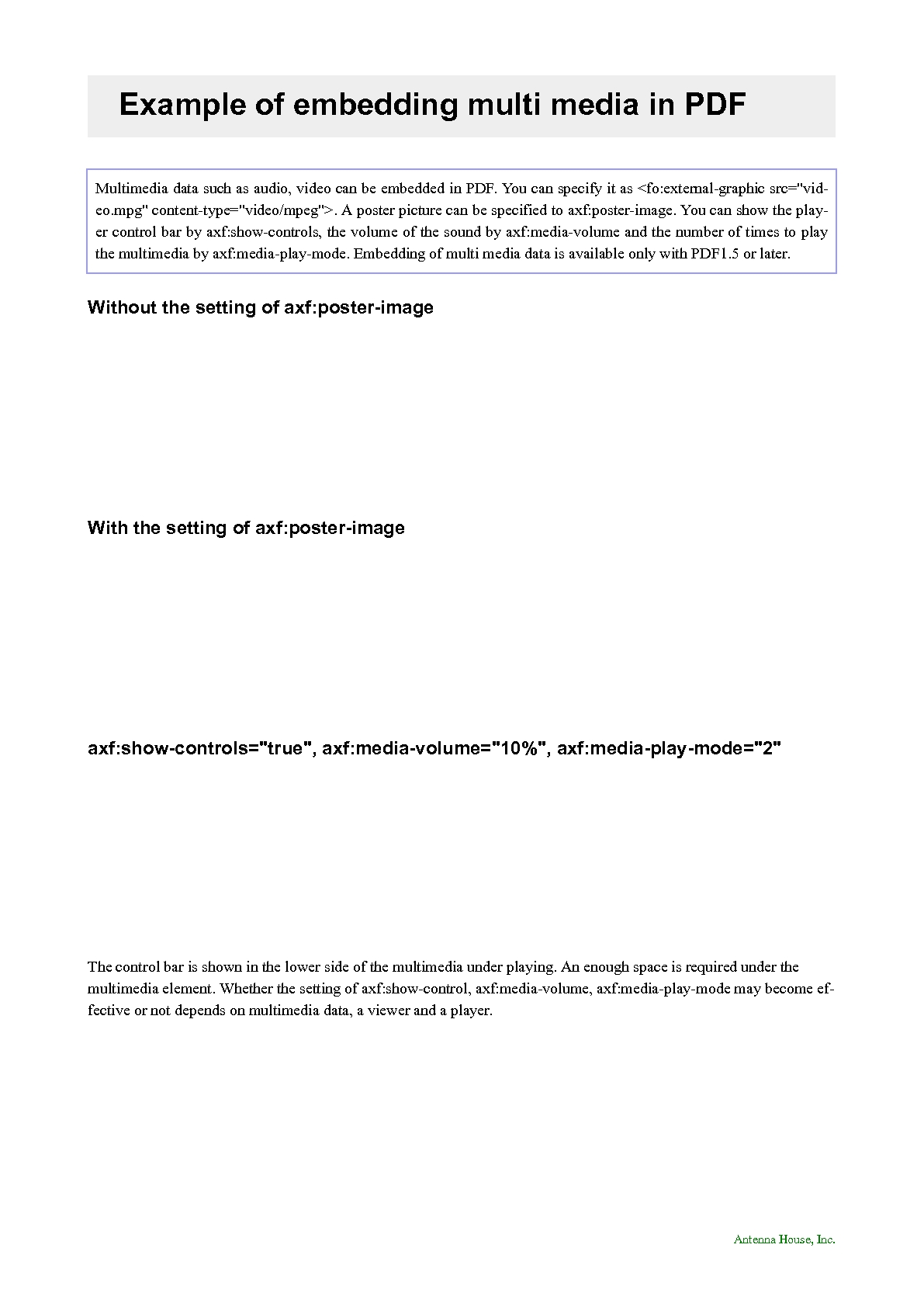
Multimedia data such as audio, video can be embedded in PDF. You can specify it as <fo:external-graphic src="video.mpg" content-type="video/mpeg">. A poster picture can be specified to axf:poster-image. You can show the player control bar by axf:show-controls, the volume of the sound by axf:media-volume and the number of times to play the multimedia by axf:media-play-mode. Embedding of multi media data is available only with PDF1.5 or later.
</fo:block>
<fo:block space-before="1em" font-family="sans-serif" font-size="1.2em" font-weight="bold" text-indent="0em" line-height="2" keep-with-next.within-column="always">
Without the setting of axf:poster-image
</fo:block>
<fo:block>
<fo:external-graphic src="img/Wildlife.mpg" content-type="video/mpeg" width="180pt" height="100pt"/>
</fo:block>
<fo:block space-before="1em" font-family="sans-serif" font-size="1.2em" font-weight="bold" text-indent="0em" line-height="2" keep-with-next.within-column="always">
With the setting of axf:poster-image
</fo:block>
<fo:block>
<fo:external-graphic src="img/Wildlife.mpg" content-type="video/mpeg" axf:poster-image="img/Wildlife_0001.jpg" width="180pt" height="100pt"/>
</fo:block>
<fo:block space-before="1em" font-family="sans-serif" font-size="1.2em" font-weight="bold" text-indent="0em" line-height="2" keep-with-next.within-column="always">
axf:show-controls="true", axf:media-volume="10%", axf:media-play-mode="2"
</fo:block>
<fo:block space-after="1.5em">
<fo:external-graphic src="img/Wildlife.mpg" content-type="video/mpeg" axf:show-controls="true" axf:media-volume="10%" axf:media-play-mode="2" axf:poster-image="img/Wildlife_0001.jpg" width="180pt" height="100pt"/>
</fo:block>
<fo:block>
The control bar is shown in the lower side of the multimedia under playing. An enough space is required under the multimedia element. Whether the setting of axf:show-control, axf:media-volume, axf:media-play-mode may become effective or not depends on multimedia data, a viewer and a player.
</fo:block>
</fo:flow>
</fo:page-sequence>
</fo:root>Output: